BodyNorth Support
Get help with BodyNorth, report an app issue, share feedback, or request a feature.
Email [email protected]Before sending
- Describe what you expected and what happened.
- Include your BodyNorth version and iOS version when relevant.
- Do not send passwords, authentication codes, or sensitive health, meal, or workout information.
Account and privacy requests
You can sign out, delete local data, or delete your BodyNorth account from the You screen in the app. For additional assistance, contact the email address above.
Read the Privacy Policy, Terms of Use and safety limitations, and Methodology & Limitations for details.
Pro and purchase help
- Open You, tap the Pro card at the top, then choose a plan. Apple shows the final localized price before you confirm.
- If you already subscribed with the same Apple Account, tap Restore purchases on the Pro screen.
- Use Manage on the Pro screen, or Apple Account subscription settings, to view, change, or cancel renewal.
- Deleting the app or your BodyNorth account does not cancel the subscription with Apple.
Meal estimate help
- Use a clear photo that shows the entire meal. Avoid deep shadows and overlapping containers.
- Include the full plate, bowl, cup, and any naturally nearby objects when practical. BodyNorth uses visible context and typical container dimensions to estimate scale automatically.
- You do not need to place paper, a ruler, a payment card, or any other reference object beside the meal.
- Open the saved meal and tap a food to correct its name, portion, grams, or calories. Check packaged-food labels and recipes when available.
AI can miss hidden ingredients, oils, sauces, allergens, and preparation. Do not use a photo estimate for medication or insulin dosing, allergy safety, or medical decisions.
Workout plan help
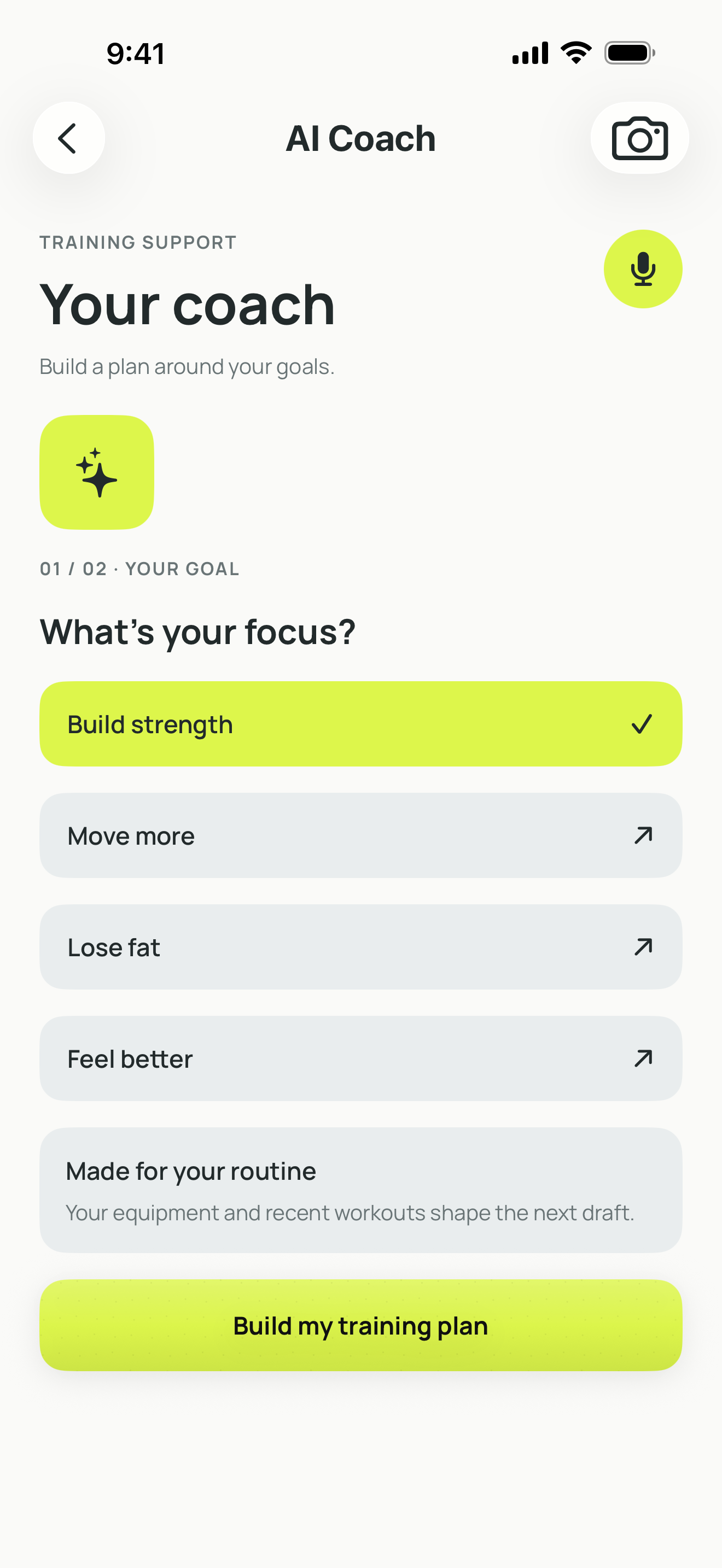
- Keep each gym or location's equipment list accurate before generating or regenerating a plan.
- Use More, Less, or Never preferences to guide deterministic replacements.
- Treat the selected duration as a planning maximum. Review every exercise and edit or replace anything unsuitable.
- Workout calorie ranges are population-based active-energy estimates, not measurements or targets you must reach.
Apple Health sleep
Sleep access is optional and read-only. If records do not appear, confirm Sleep permission for BodyNorth in the Health app, then reopen BodyNorth. Disconnecting does not delete source Apple Health records.